
Whether you're converting business reports, research papers, marketing documents, educational materials, or project proposals, Gamma significantly reduces manual slide creation.
Convert PDF to PPT in 4 Simple Steps: Upload your file, generate an AI outline, choose a template, and create your presentation.
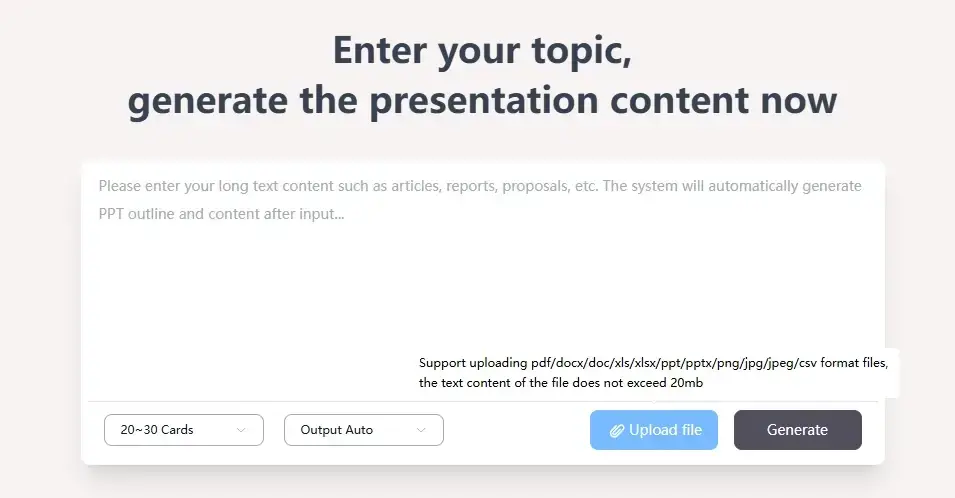
Step 1:Upload Your PDF File
Start by uploading your PDF to Gamma AI.
Gamma supports multiple document formats including PDF, DOC, DOCX, PPT, PPTX, XLS, XLSX, CSV, PNG, JPG, and JPEG. AI automatically extracts the document structure and converts the content into presentation-ready sections.
This feature is ideal for users looking to convert PDF to PowerPoint, AI PDF to PPT conversion, turn PDF into presentation, or create slides from PDF automatically.
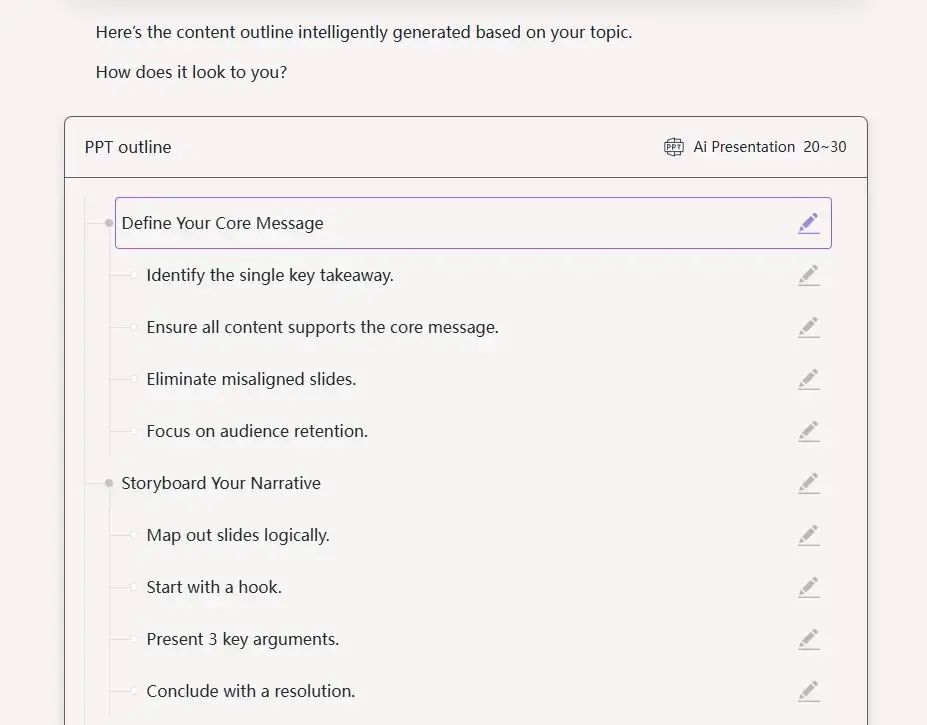
Step 2:Generate an AI Presentation Outline
After processing your document, Gamma automatically analyzes the content and generates a logical presentation outline.
Instead of copying paragraphs manually, AI identifies key topics, summarizes important information, and organizes everything into presentation sections with clear slide titles.
Users can edit, rearrange, or expand the outline before generating slides, making it suitable for business presentations, reports, research summaries, sales decks, and educational content.

Step 3:Choose a Professional Presentation Template
Once your outline is ready, select a presentation template that matches your content.
Gamma offers 1,000+ professionally designed templates covering Business, Technology, Marketing, Education, Medical, History, Nature, Food, Festivals, and many other industries.
Every template is fully customizable, allowing you to modify colors, fonts, layouts, images, and branding without starting from scratch.
This makes Gamma an excellent AI PowerPoint maker, presentation template generator, and online presentation creator.
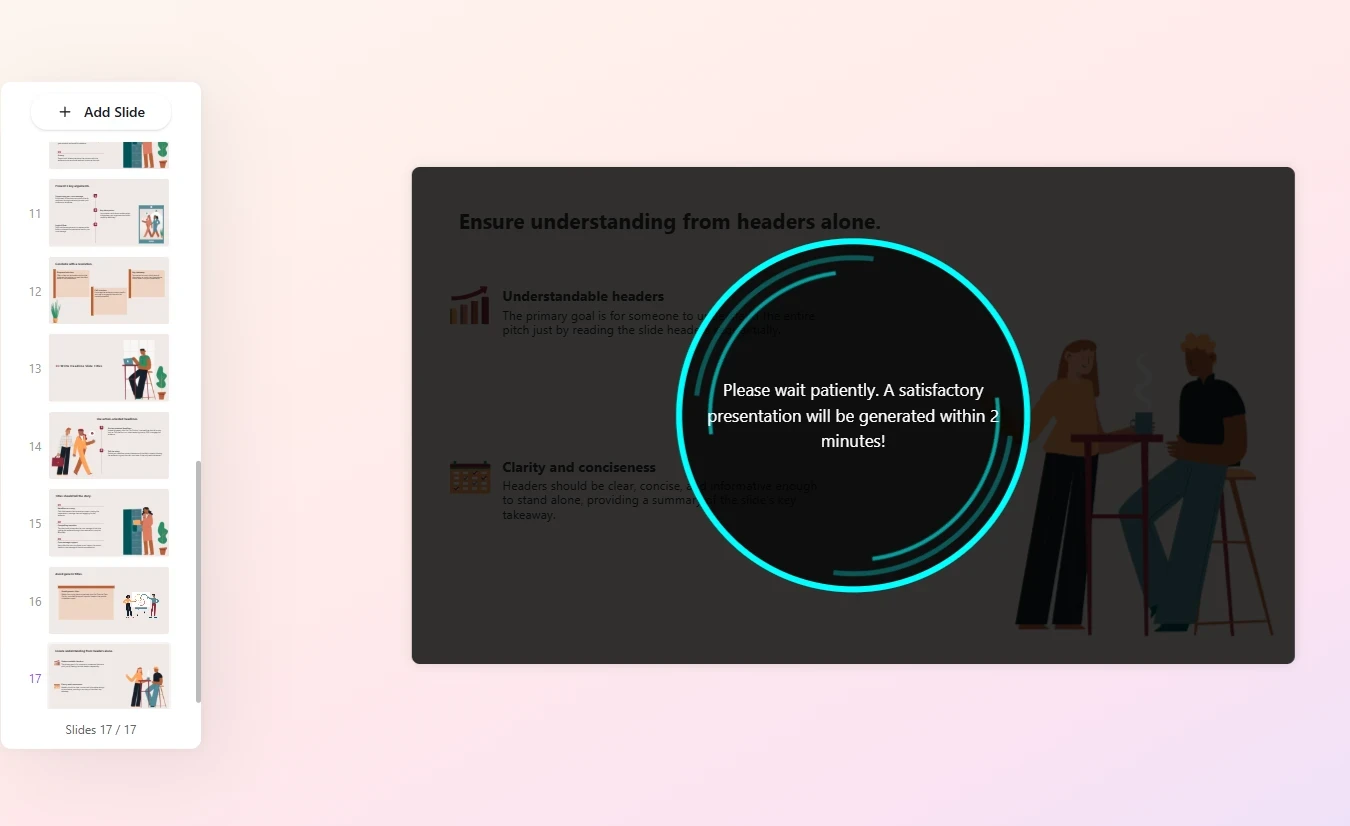
Step 4:Generate Editable PowerPoint Slides
After selecting your template, Gamma AI automatically creates a complete presentation.
Each slide includes professionally arranged titles, text, layouts, images, and visual hierarchy while remaining fully editable inside Gamma.
When finished, you can export your presentation as:
PPTX (Editable in Microsoft PowerPoint)
PDF
Images
This workflow allows users to convert PDF to editable PPT, generate PowerPoint from PDF using AI, and create presentation slides automatically within minutes.

Gamma FAQ
Q1: What file formats can Gamma import?
A1: Gamma supports PDF, DOC, DOCX, PPT, PPTX, XLS, XLSX, CSV, PNG, JPG, and JPEG, allowing you to convert various document types into presentations.
Q2: Can I customize the generated presentation?
A2: Absolutely. Every slide remains editable. You can change layouts, templates, colors, fonts, images, icons, text, and branding before exporting your presentation.