
Traditional slide-making wastes hours on templates, formatting, and assets. Gamma.design simplifies the entire workflow: just enter a topic or upload your file, set the page count, approve the AI outline, and get a complete, stunning presentation in minutes.
Gamma Presentation Generation Process:
1.Sign Up for free
2.Enter a topic, (No complex prompts required)
3.Or Upload your file (Support uploading pdf/docx/doc/xls/xlsx/ppt/pptx/png/jpg/jpeg/csv format files,
the text content of the file does not exceed 20mb)
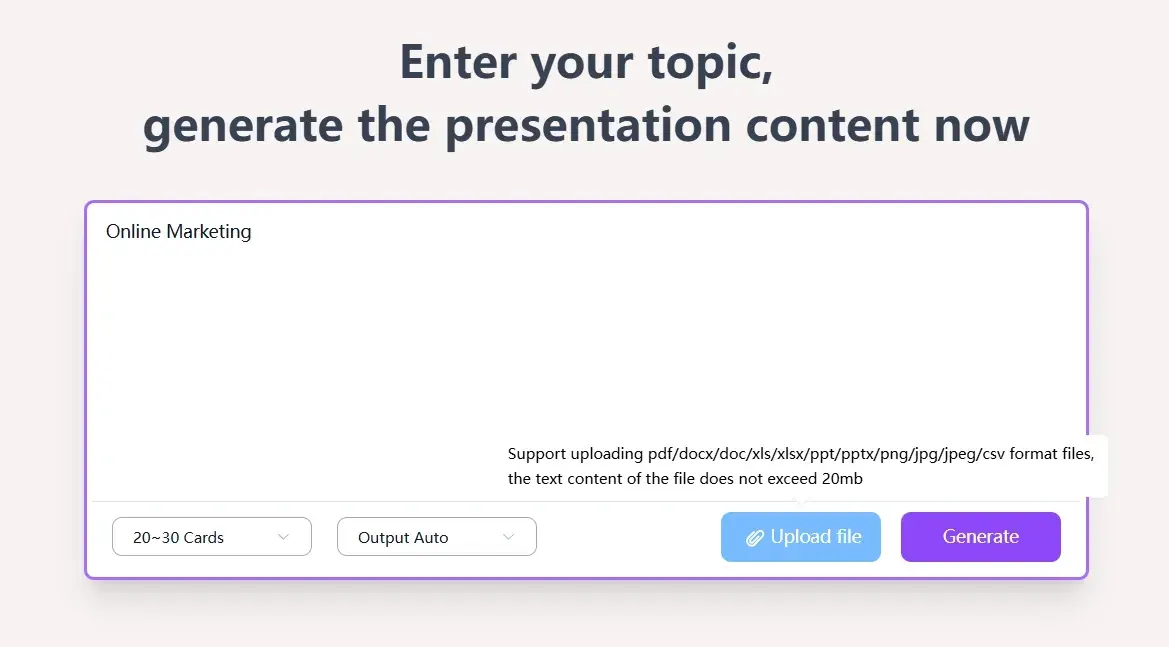
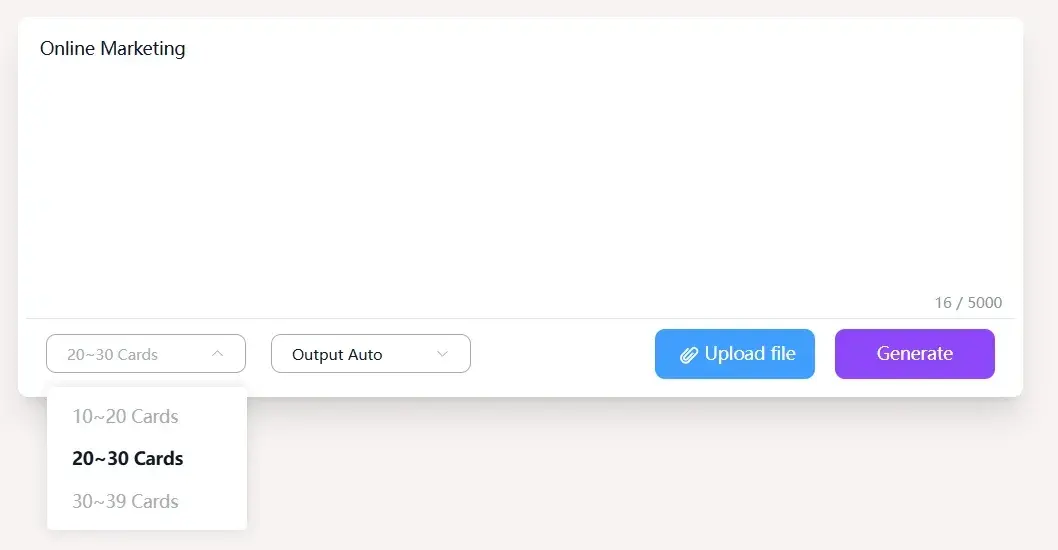
4.Set the page count (10~20 Cards, 20~30 Cards, 30~39 Cards)
5.Click "Generate"
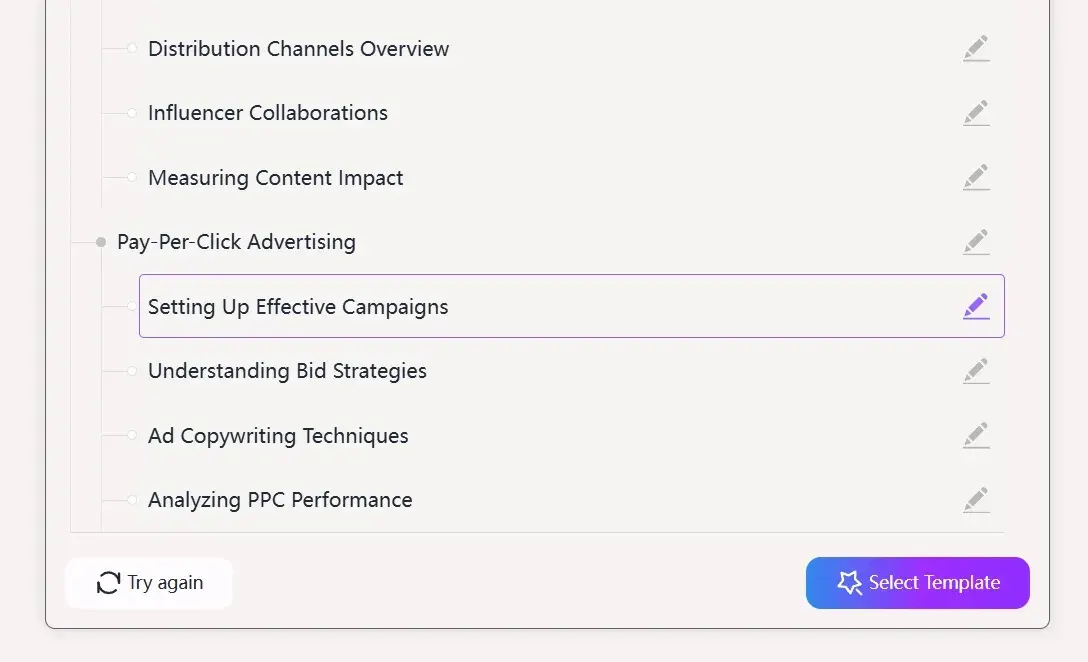
6.Edit the AI outline
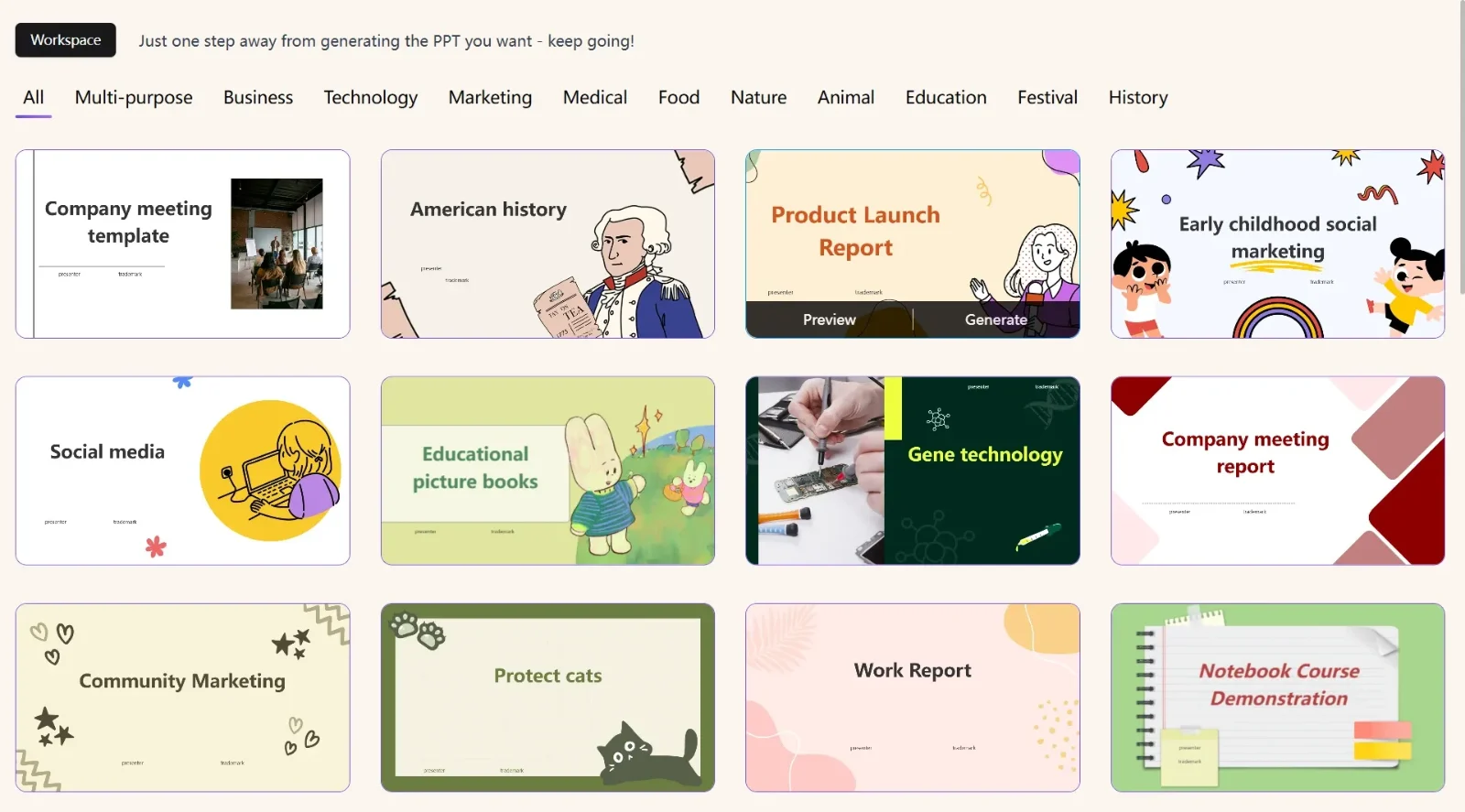
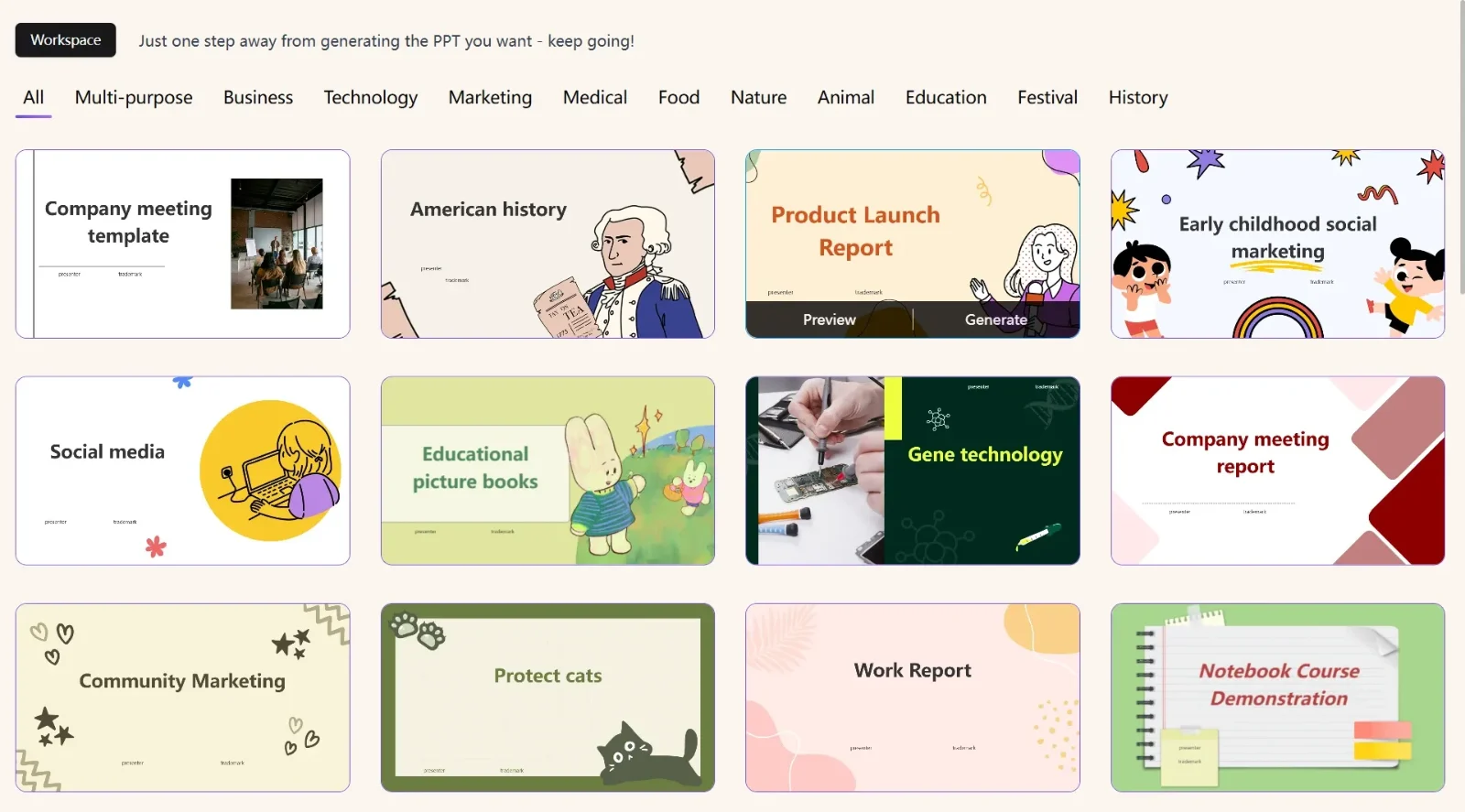
7.Select Templates (Multi-purpose, Business, Technology, Marketing, Medical, Food, Nature, Animal, Education, Festival, History)
8.Presentation generation takes 1–3 minutes.
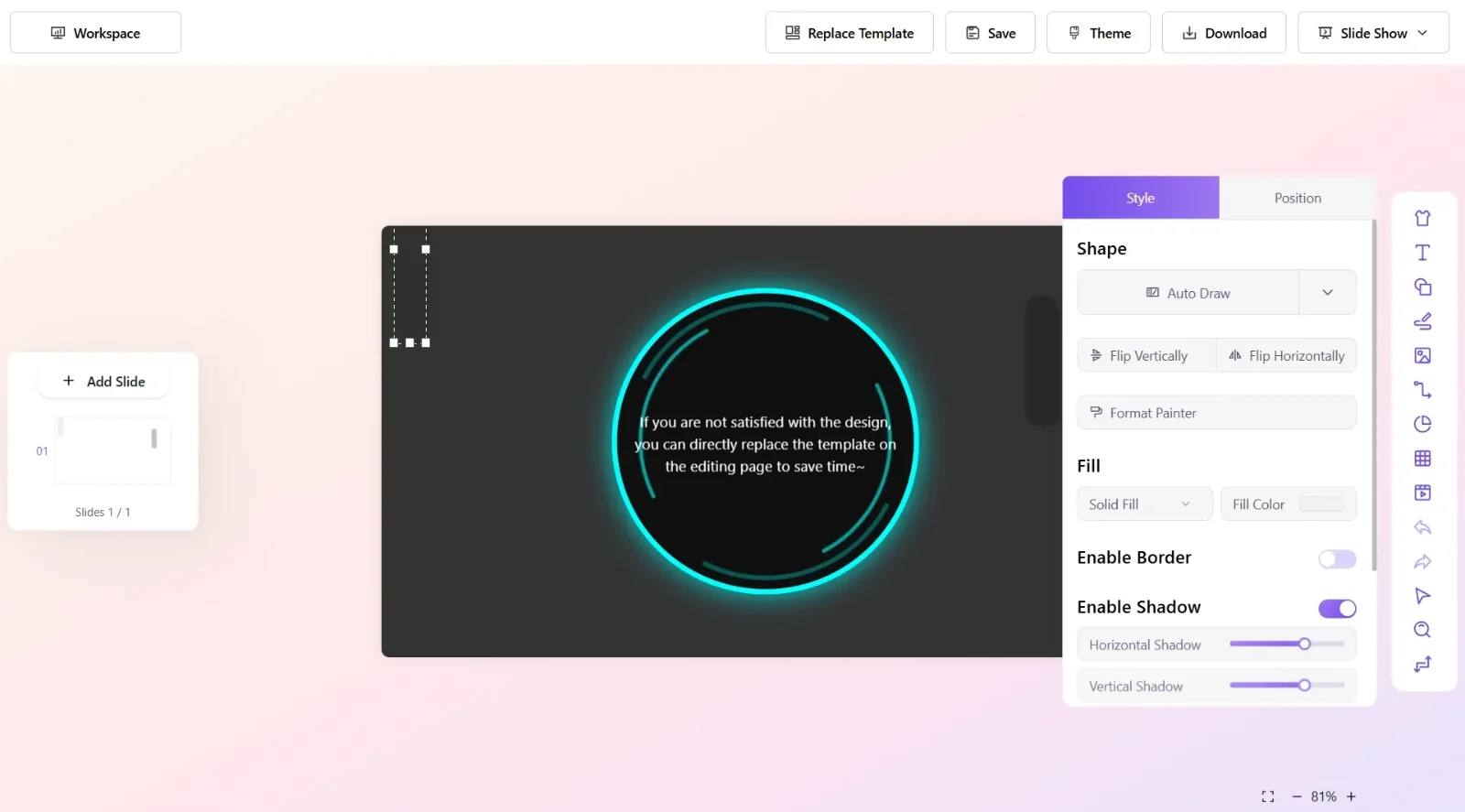
9.Directly adjust details in the presentation editor as needed.
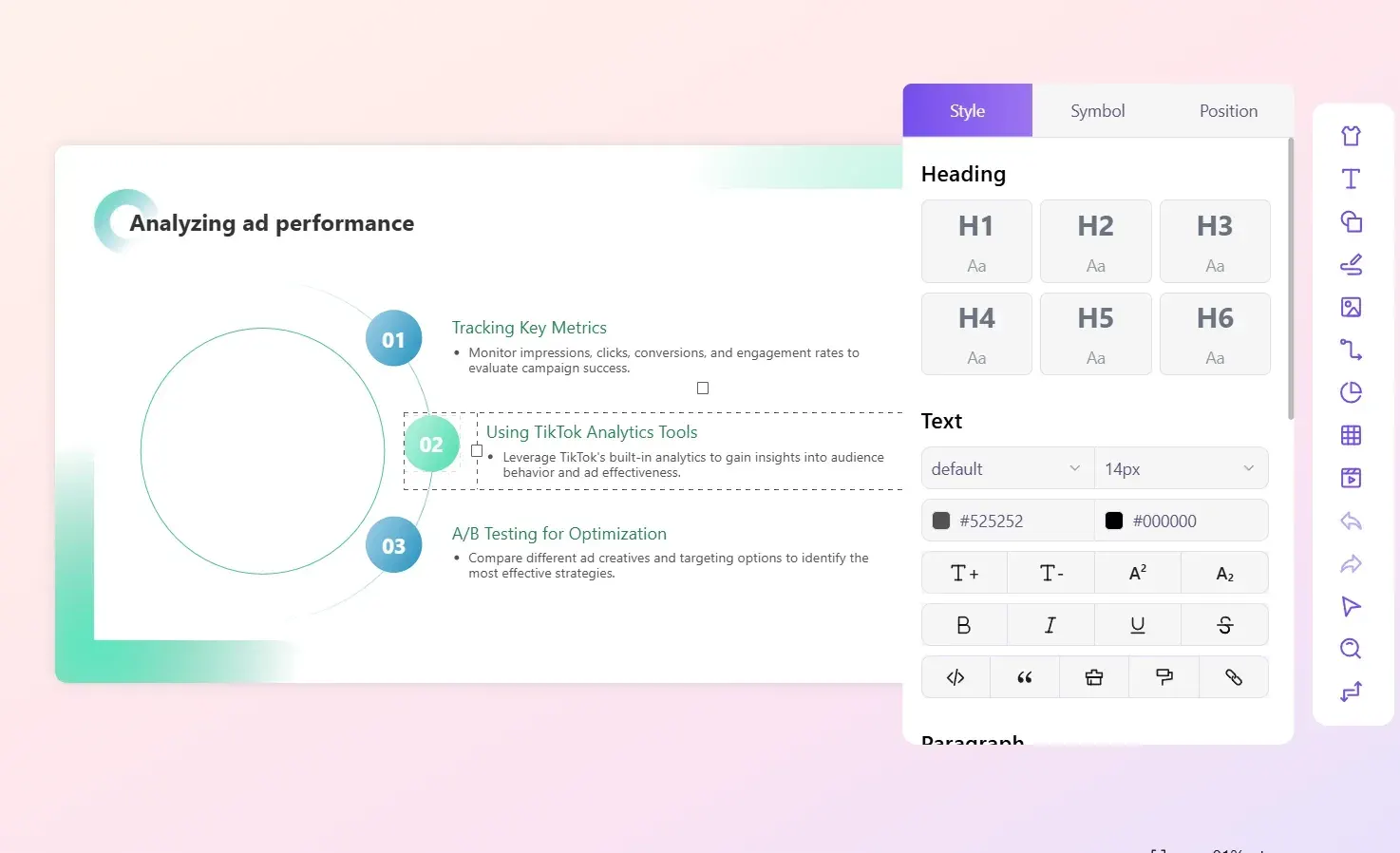
10.To change the template, click "Replace Template" in the top right corner.
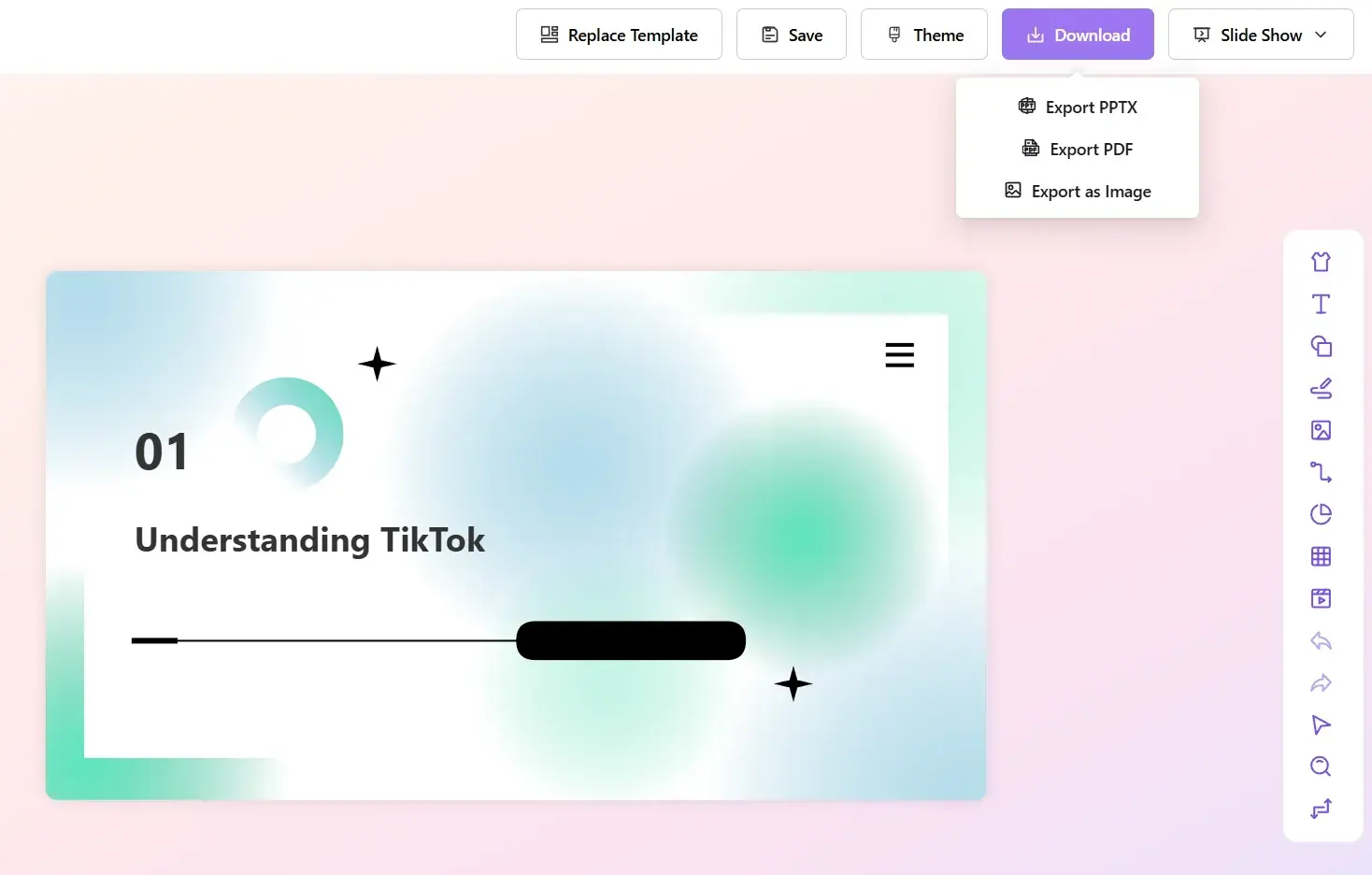
11.Export your presentation in 3 formats: PPTX, PDF, or Image.
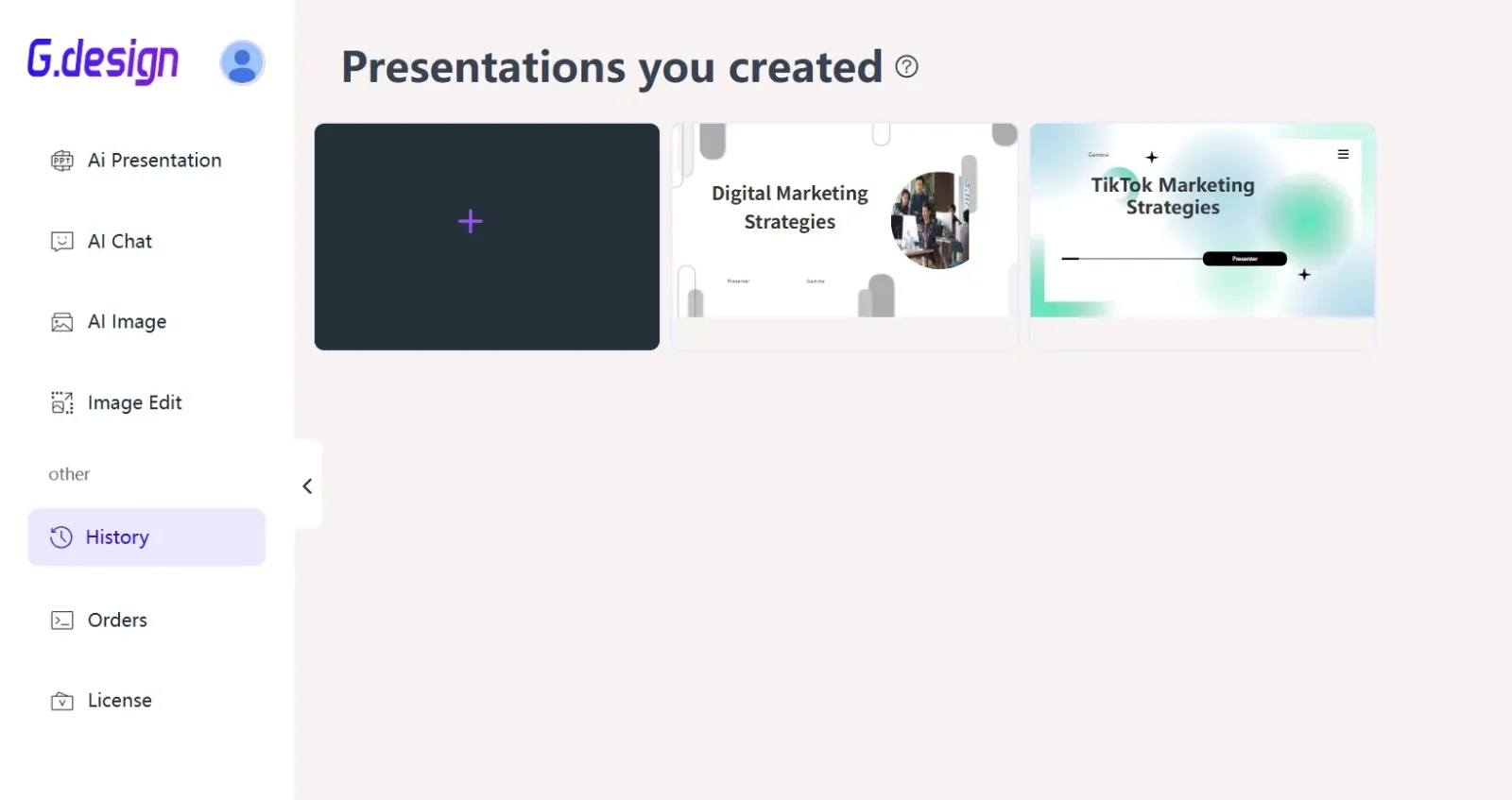
12.View history presentations: Open your workspace - https://gamma.design/history, Click "History", and click the "Edit" icon.
Any questions about the product? Contact us at:
Working hours (Hongkong): 9:00 - 18:00